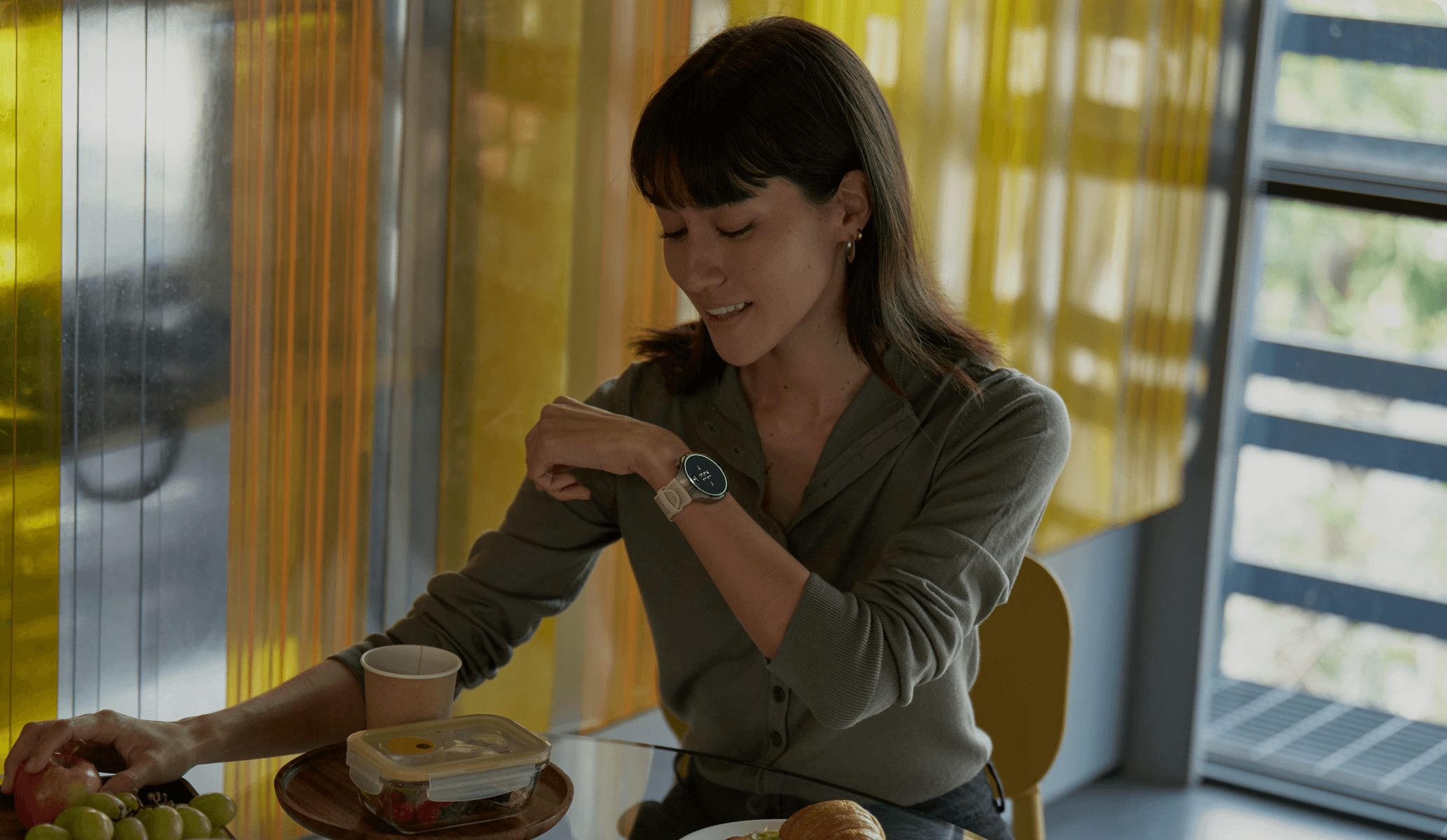
Body Clock
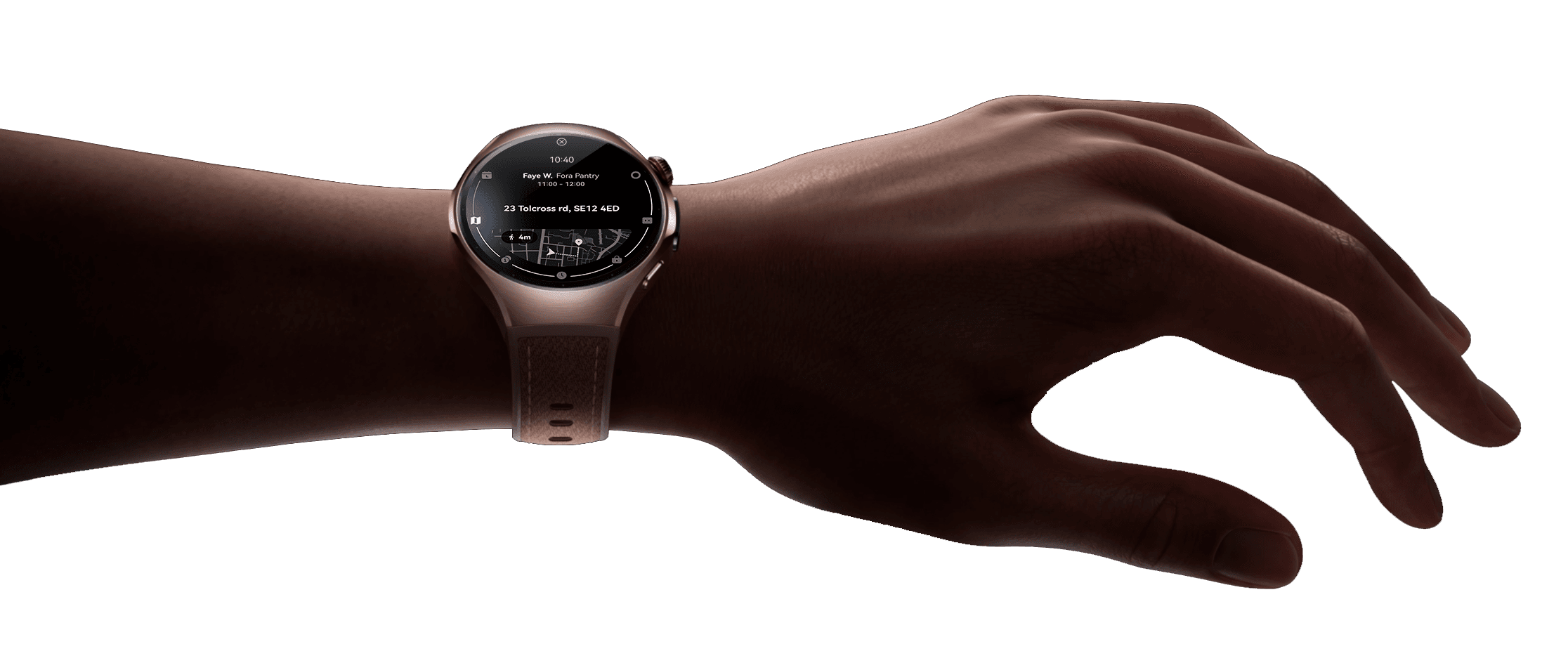
A generative watch face for intent-first, on-device AI.
We designed the watch-native interface layer that made AI intent, timing, confidence and user control visible on a 46mm wearable surface.
A one-minute introduction to Body Clock — an AI-powered watch face that turns user intent into contextual action.
The Brief
Brief 01
Business Context
Huawei's smartwatch business remained one of its strongest consumer products despite increasing limitations across its smartphone ecosystem. This created a strategic opportunity: instead of positioning the watch as a companion device, could it become an AI-native product in its own right?
The project explored how local AI could transform the smartwatch from a passive notification surface into an intelligent, standalone experience, establishing a new direction for future HarmonyOS wearables.
Brief 02
Product Vision
Body Clock is an AI-powered watch face built on Huawei's Intent-first System (IFS).
Rather than asking users to navigate apps or manually manage schedules, the system starts from user intent, translates it into goals, breaks goals into actionable tasks, and surfaces the right interaction at the right moment.
The watch face became the visible layer of this AI architecture—making complex reasoning feel calm, glanceable and trustworthy on one of the smallest consumer interfaces.
Brief 03
My Role
As the UX Designer, I translated a novel AI operating model into a production-ready wearable experience.
Working closely with AI engineers, researchers and product stakeholders, I designed the interaction framework, watch interface and AI-native design patterns that enabled complex goal-based interactions to feel intuitive, predictable and scalable on constrained hardware.
Brief 04
Design Challenges
01
From Companion to First-class Citizen
The smartwatch could no longer rely on the smartphone to create value. Instead of mirroring notifications, it needed to become an intelligent product capable of understanding user goals and acting independently.
02
Designing AI for a 2-second Interaction
A smartwatch offers only seconds of attention, limited screen space and constrained on-device compute. Every interaction had to communicate meaningful AI assistance without adding cognitive load or visual clutter.
03
Making AI Explainable
The Intent-first System could reason through goals, context and tasks behind the scenes, but its decision-making remained invisible to users. The challenge was to make AI understandable and trustworthy without exposing unnecessary complexity.
Design Principles
Six Principles for an AI-native watch face
Click the left or right watch face to explore
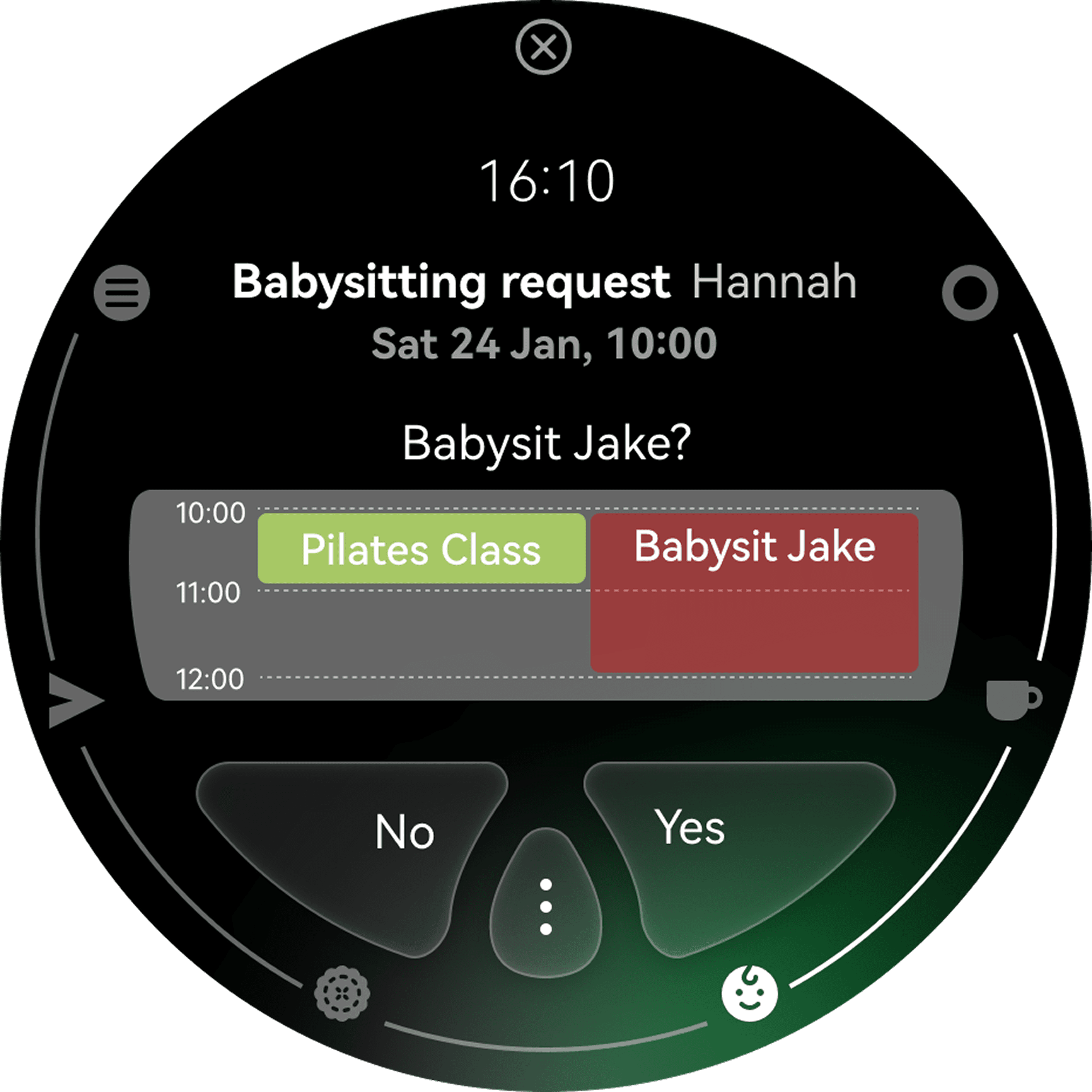
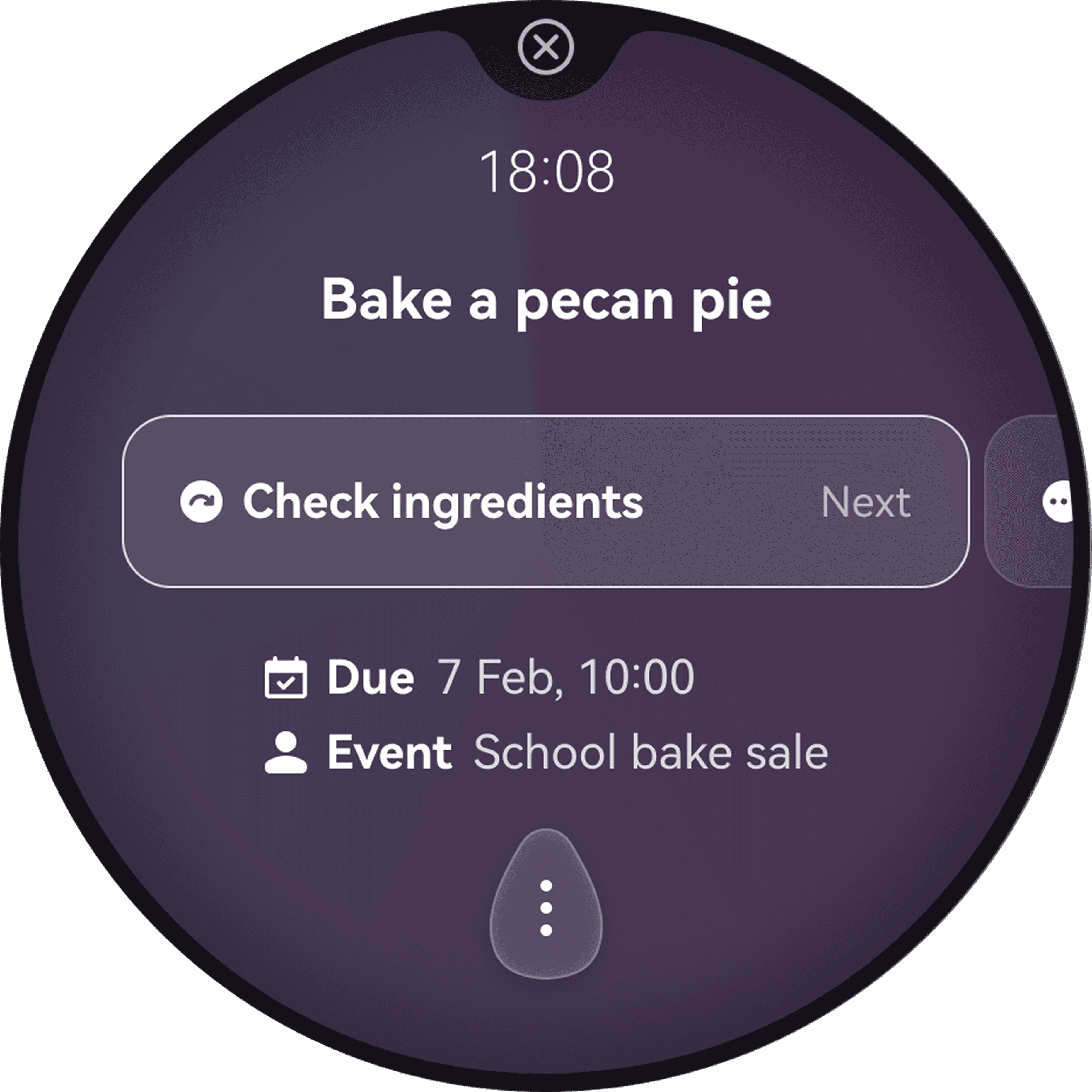
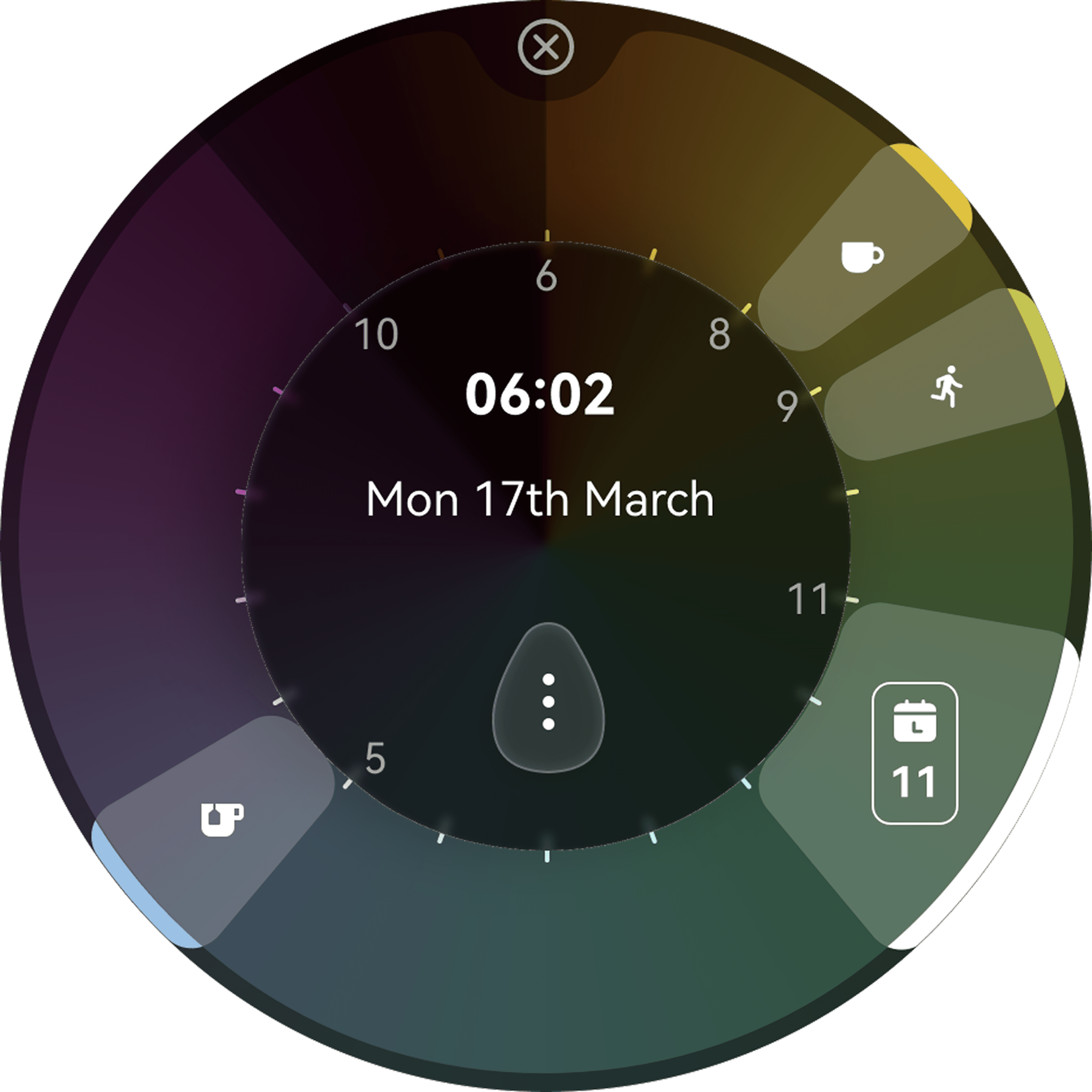
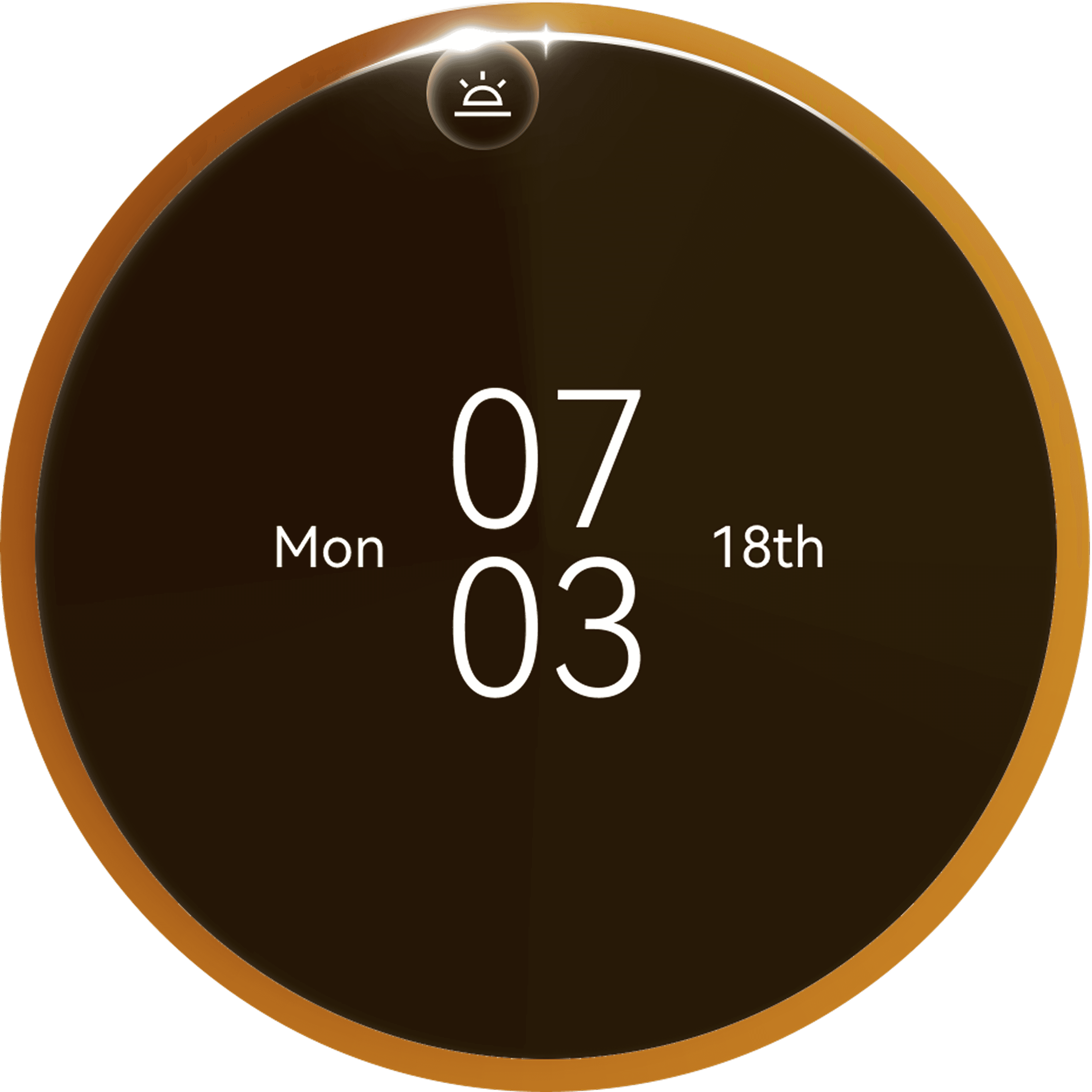
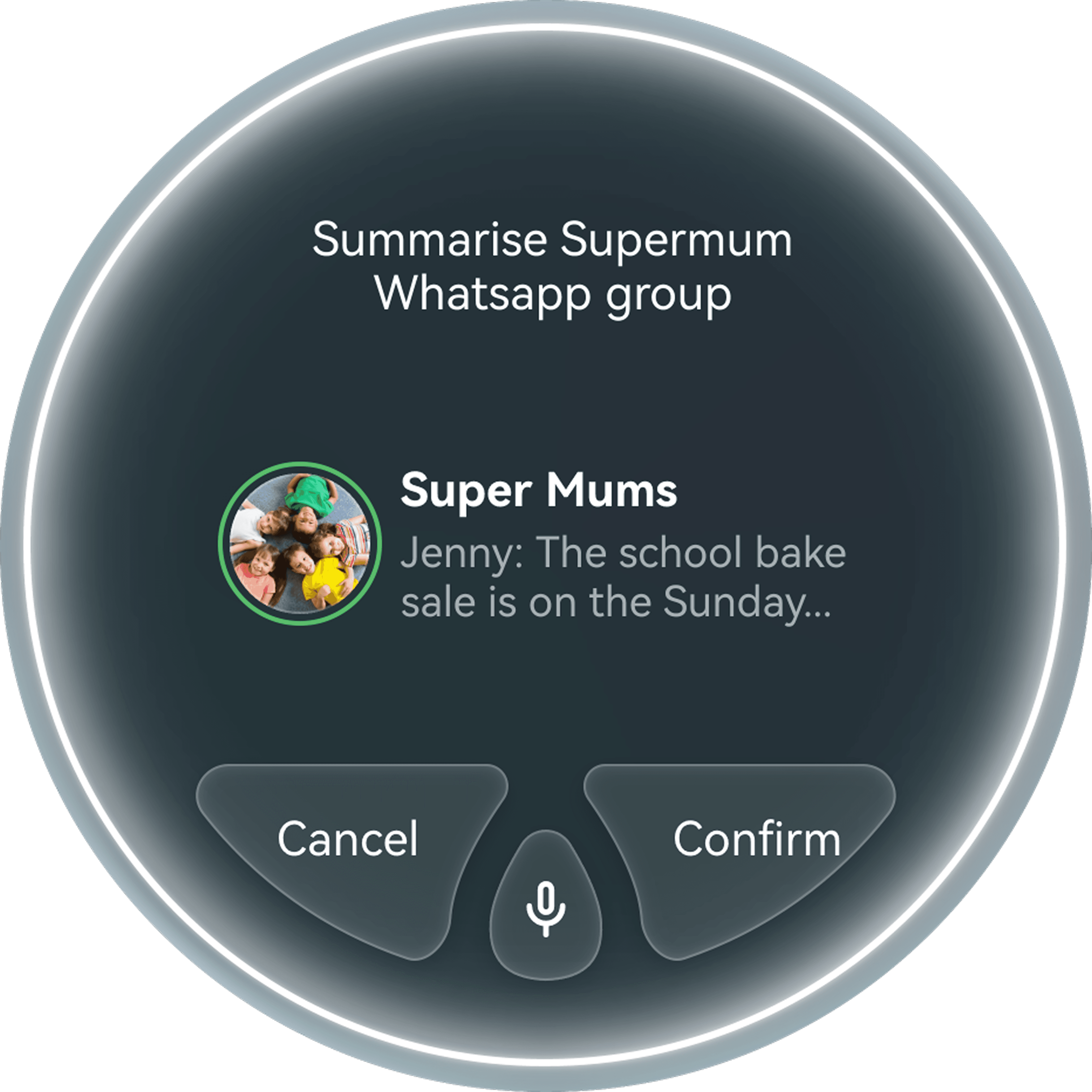
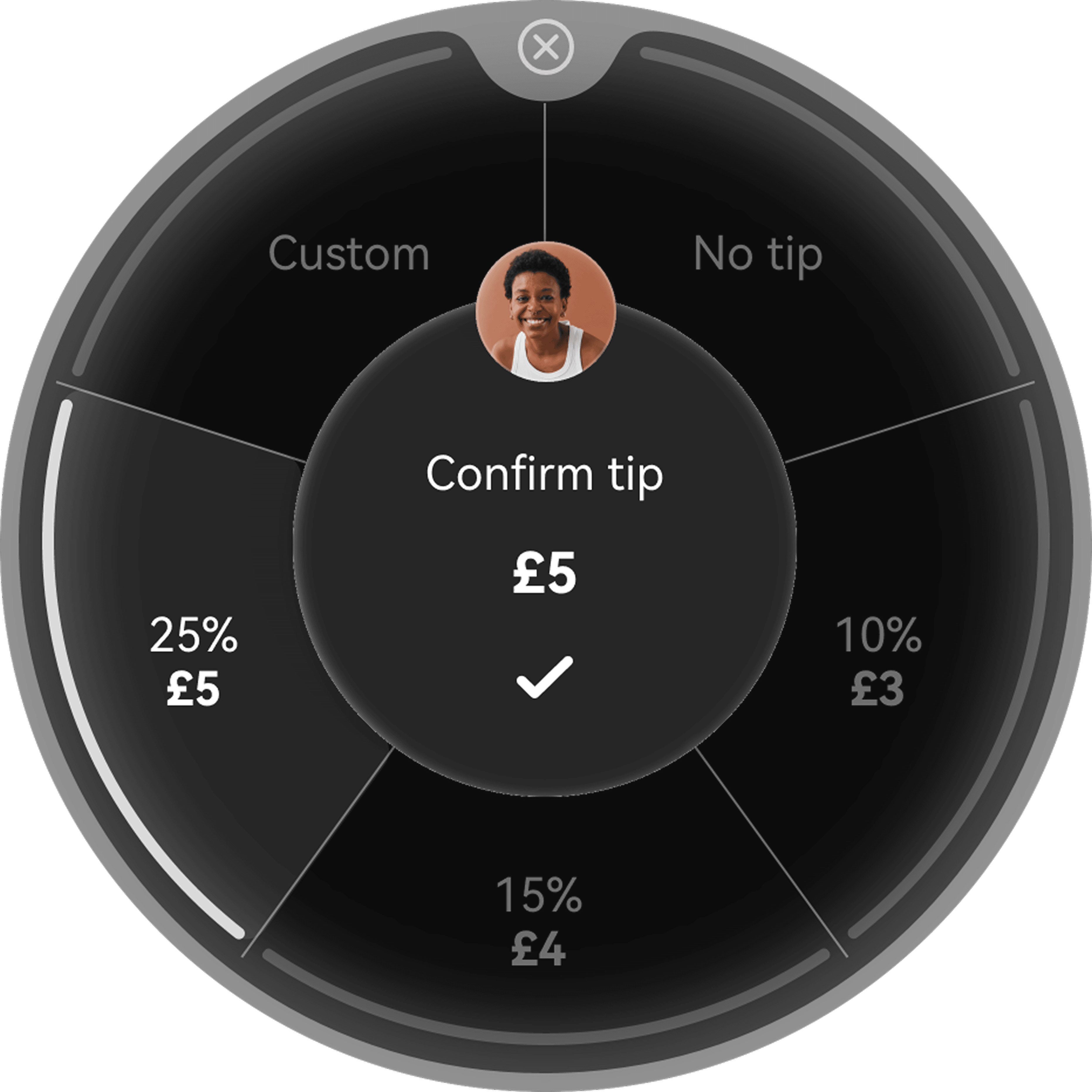
01 / 06
Intent-first
Start from what the user wants to achieve, then translate intent into goals and bite-sized tasks.
Architecture
Intent-first AI Pipeline
Behind every interaction is a lightweight, intent-first pipeline that reasons before it responds.
01
Understand
Interpret intent, context, feasibility and safety before taking action.
02
Plan
Translate intent into a structured goal and break it into executable tasks.
03
Coordinate
Use scheduling, memory and context to adapt execution as conditions change.
04
Execute
Coordinate tools and services while surfacing only the next relevant interaction.
Complexity stays in the system. Only the next relevant action reaches the wrist.
Understand
Intent, context, safety
Plan
Goals broken into tasks
Coordinate
Adapts as conditions change
Execute
Only the next step shown
Workflow
From intent to action.
System model
01
Intent
02
Goal
03
Task
04
Next Goal
Experience flow
Intent Input
→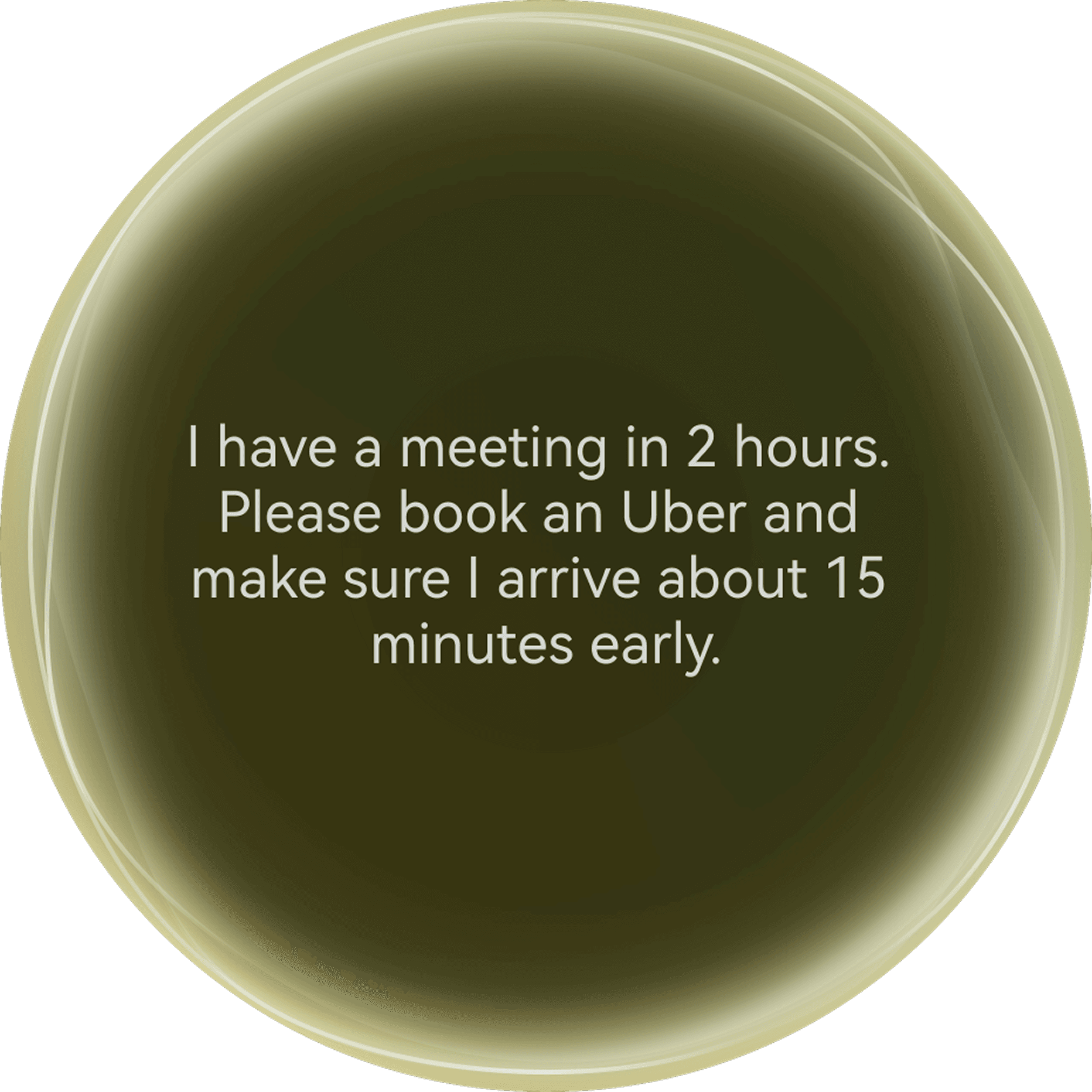
Express a natural request.
User Confirmation
→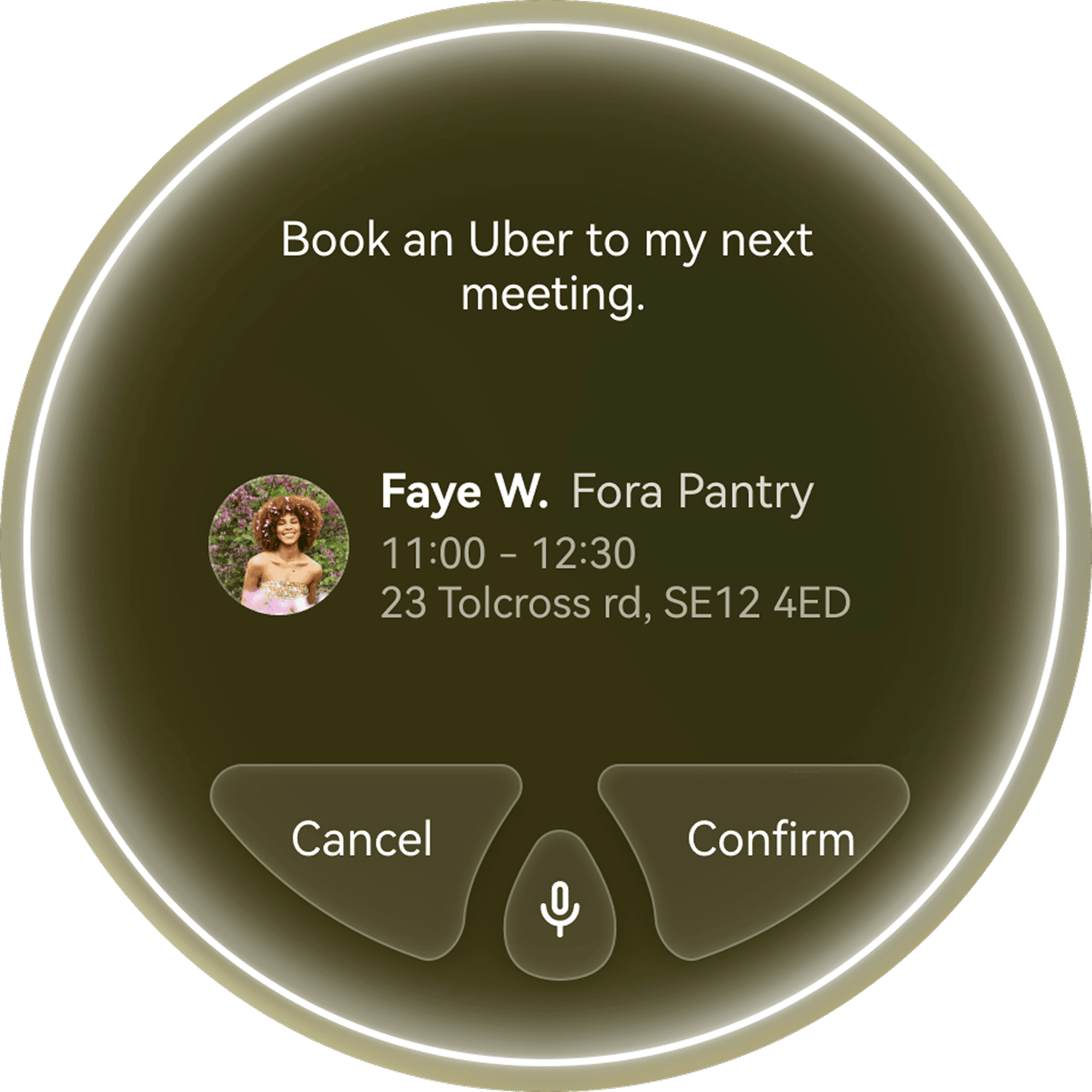
Confirm the interpreted goal.
AI Planning
→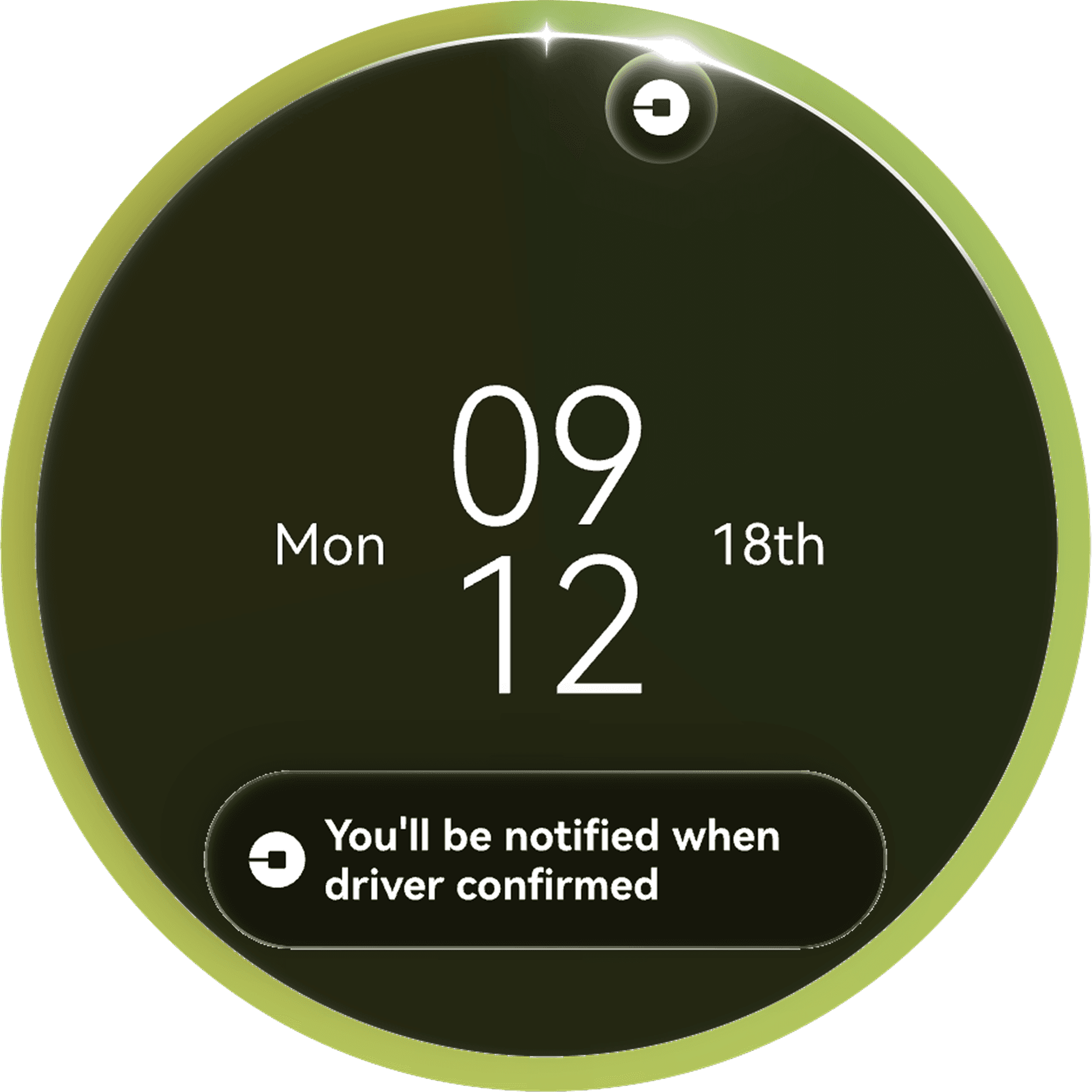
Break the goal into actionable tasks.
Live Execution
→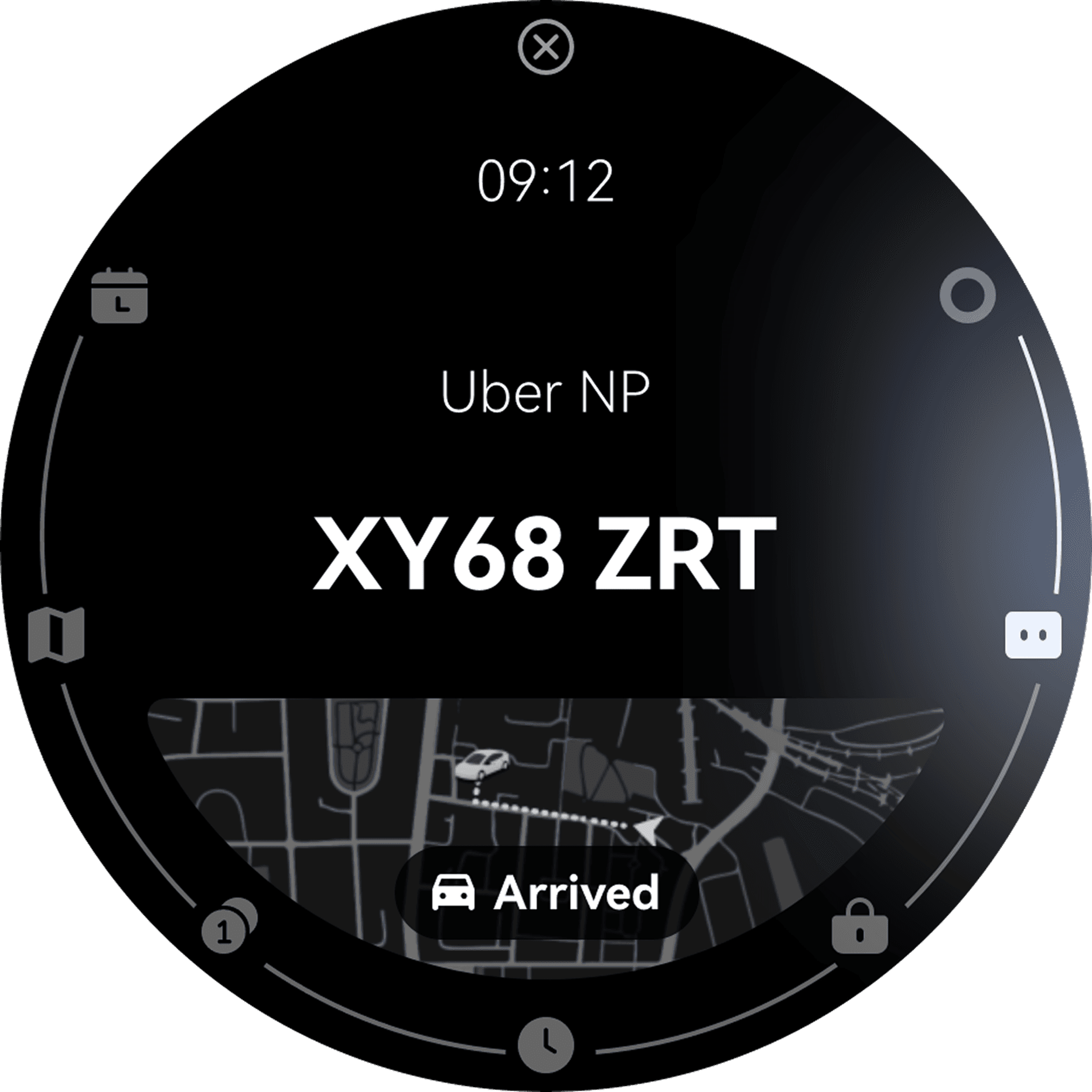
Surface the next relevant action.
Goal Completion
→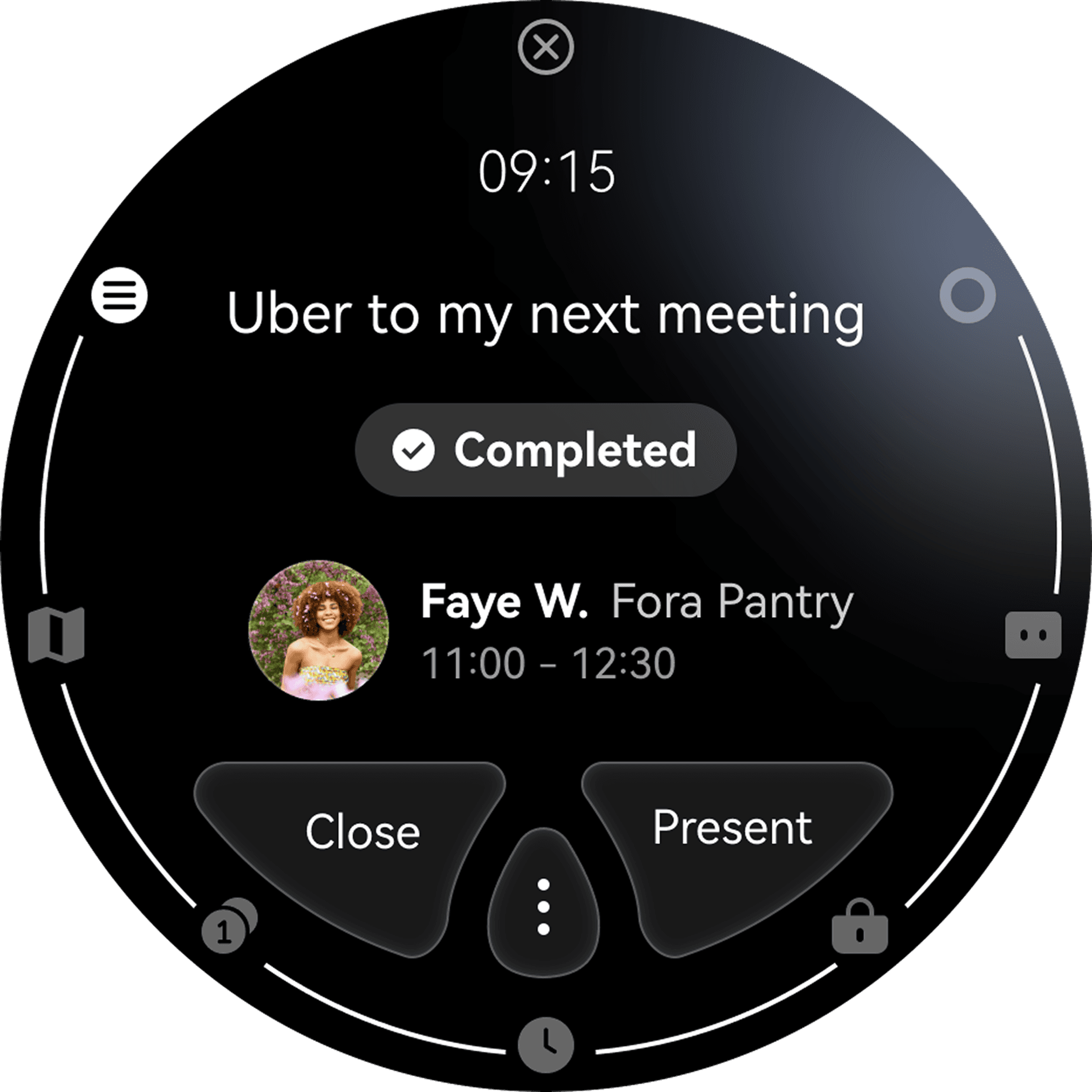
Complete the goal with clear feedback.
Next Best Action
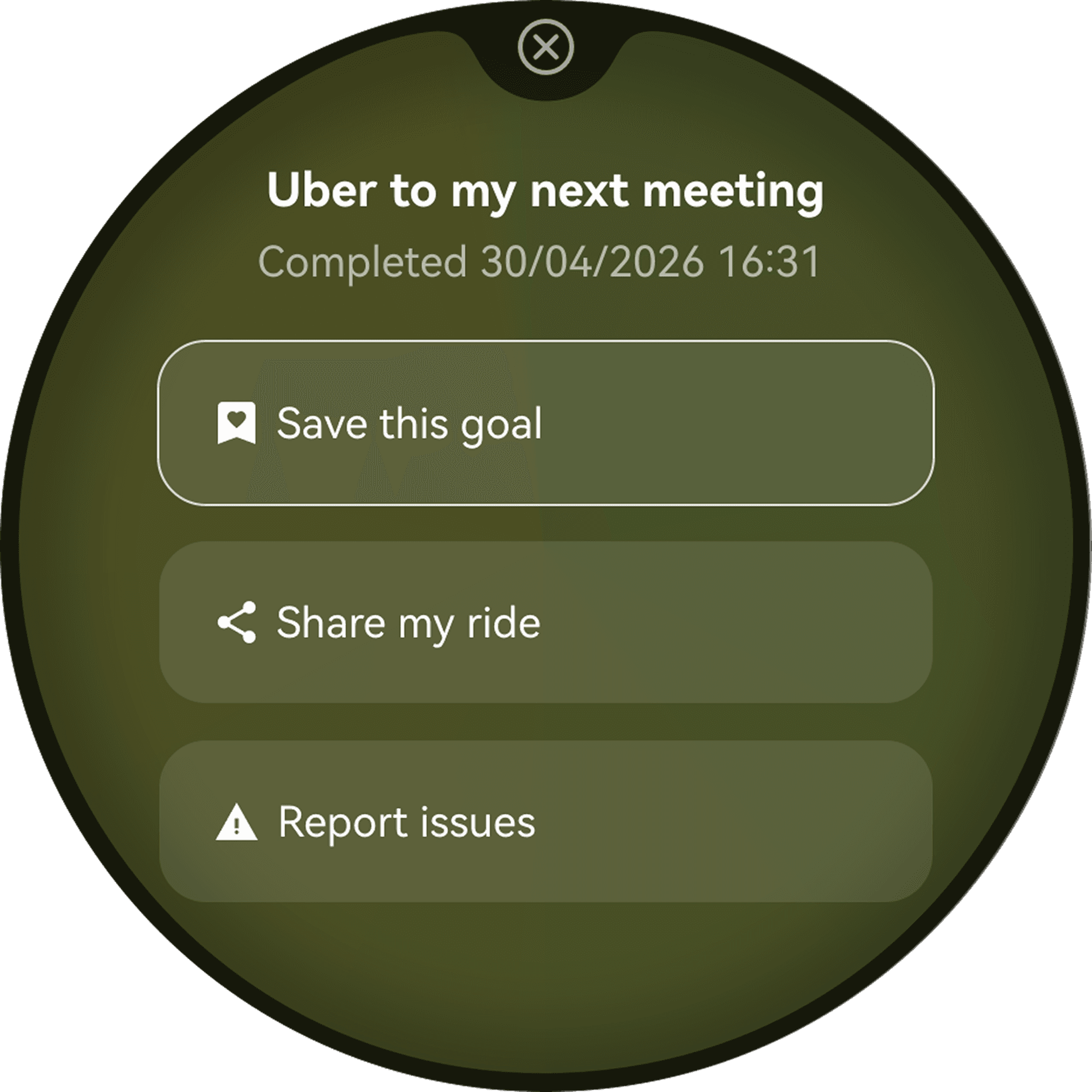
Continue with what matters next.
Design Iteration
Key iterations toward a watch-native experience
before
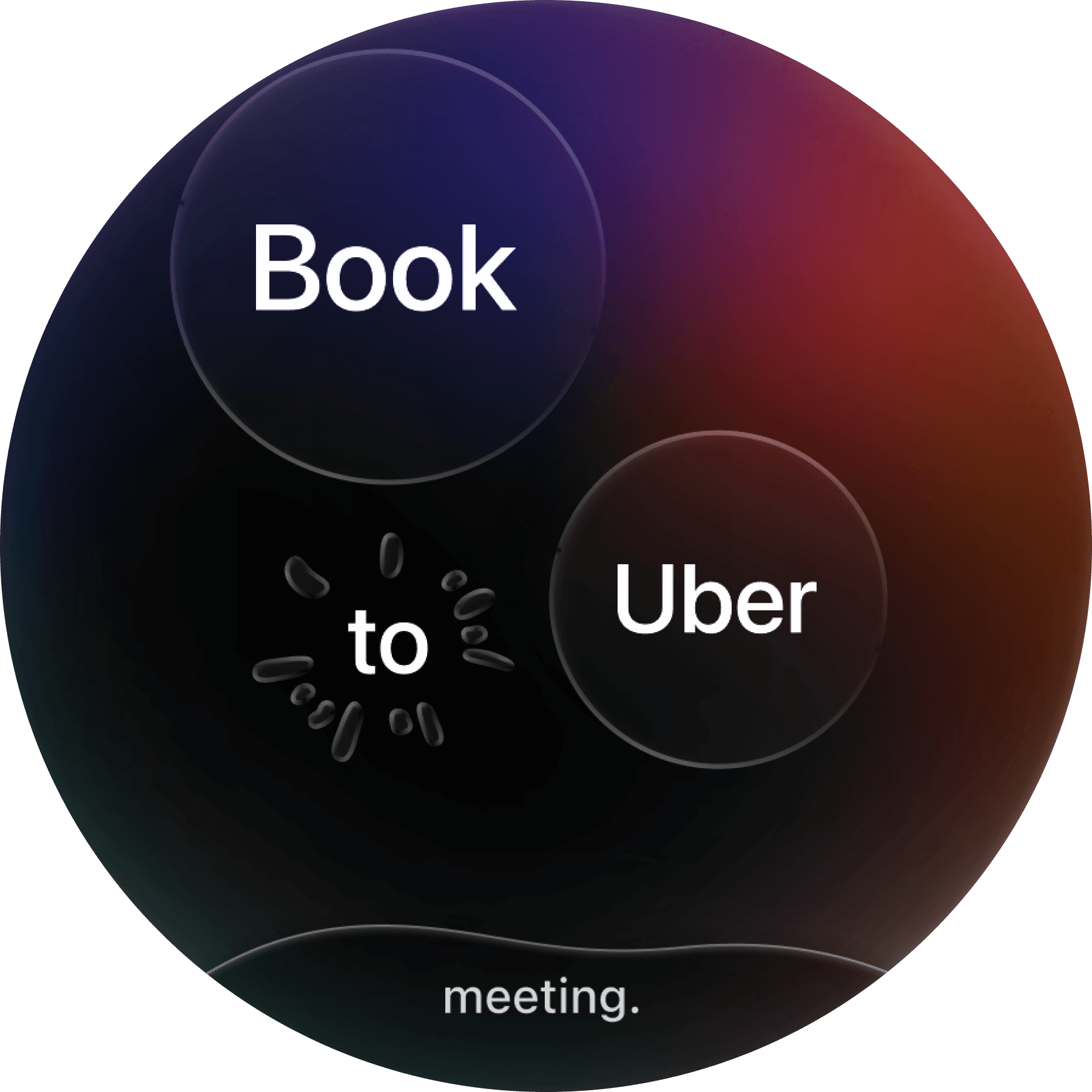
Challenge
Voice transcription relied on floating bubbles. During testing, users struggled to understand whether AI was listening, processing or confused. Longer conversations quickly became visually noisy.
after

Decision
Replaced floating bubbles with a continuous outer waveform that communicates AI confidence through a single evolving visual language.

Impact
Users immediately understood the AI's state without interpreting multiple visual elements. The simplified interaction also proved easier to implement, demonstrating that expressing AI confidence matters more than creating novel interactions.
before
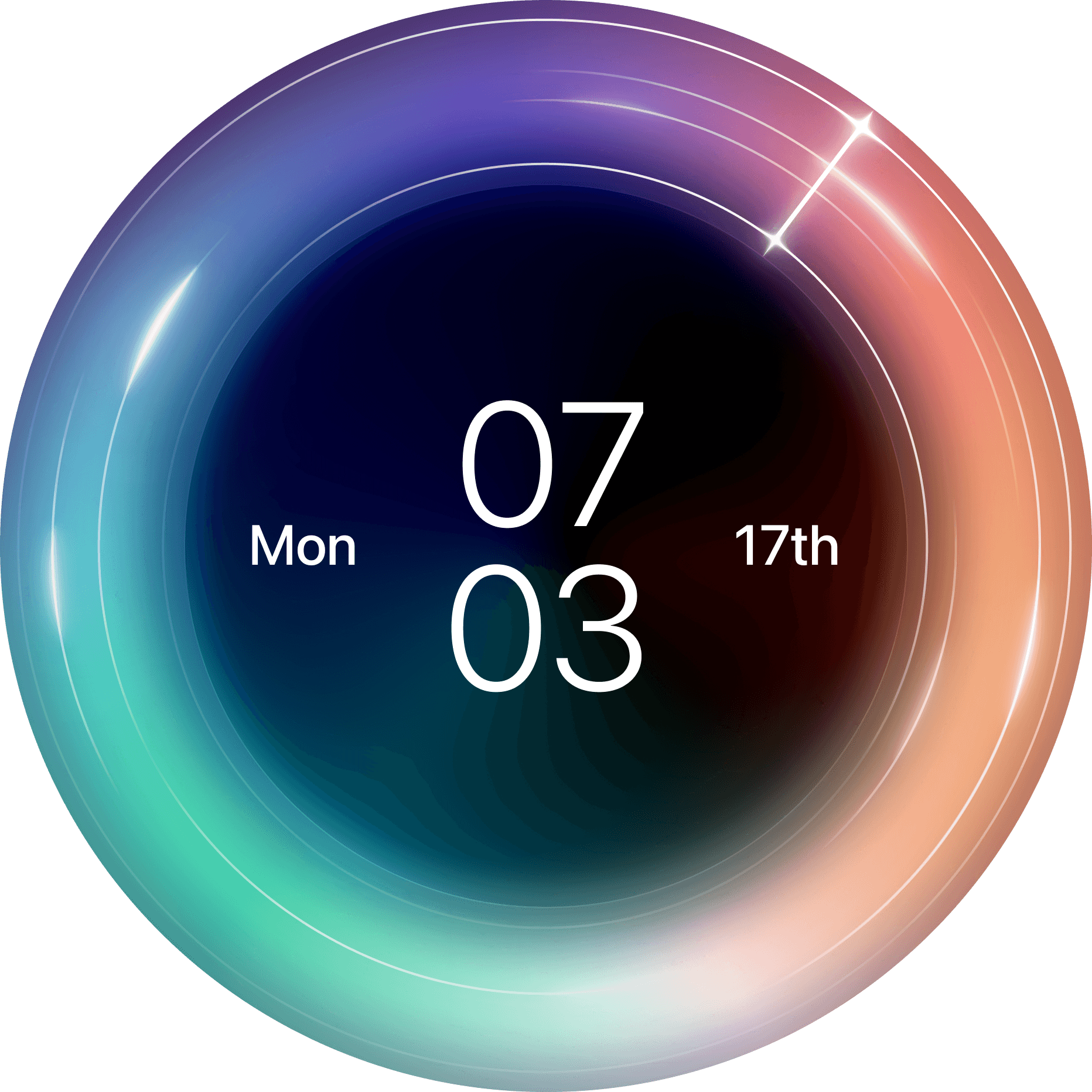
Challenge
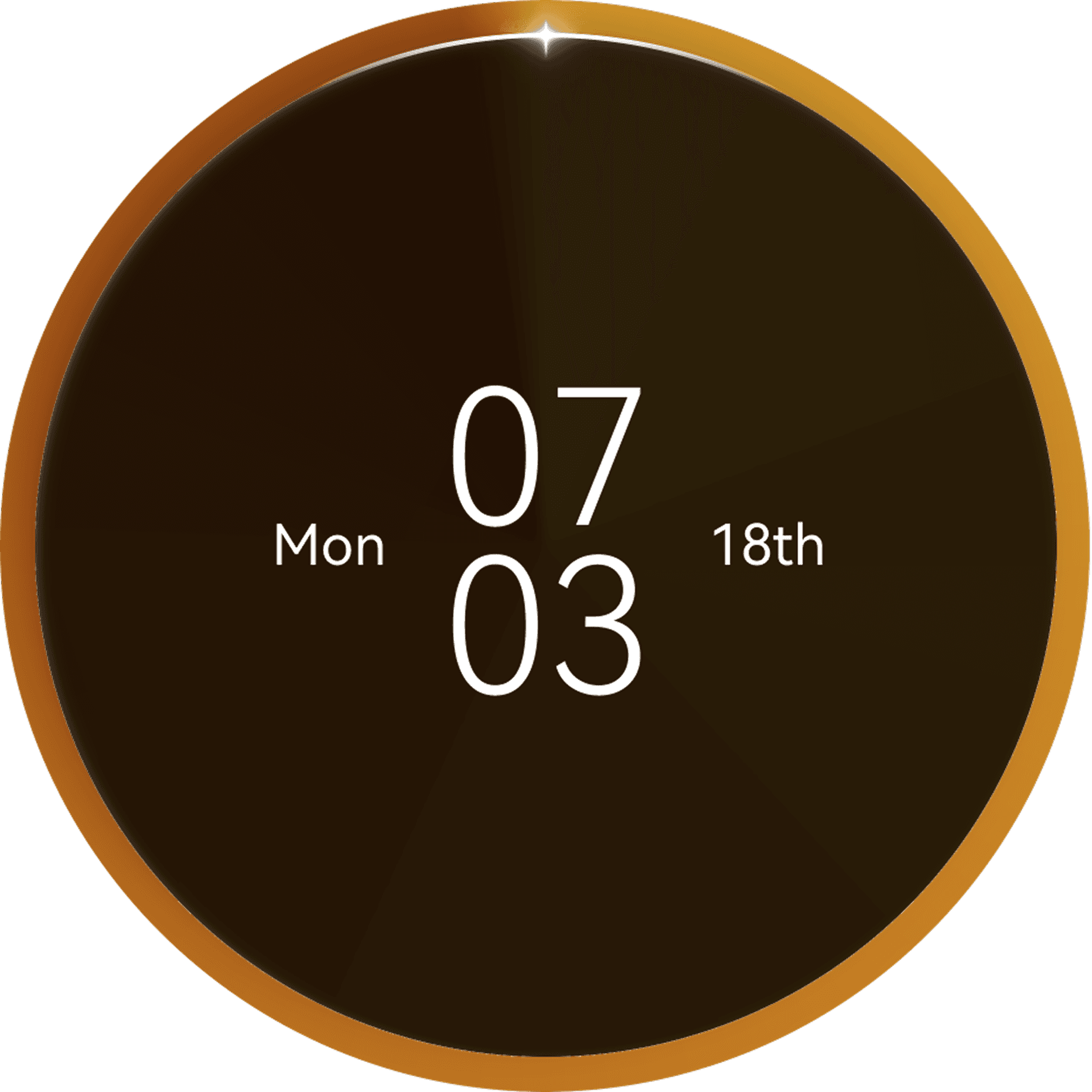
The large outer ring occupied valuable screen space, while users mistook it for decoration and struggled to understand when goals would actually happen.
after
Decision
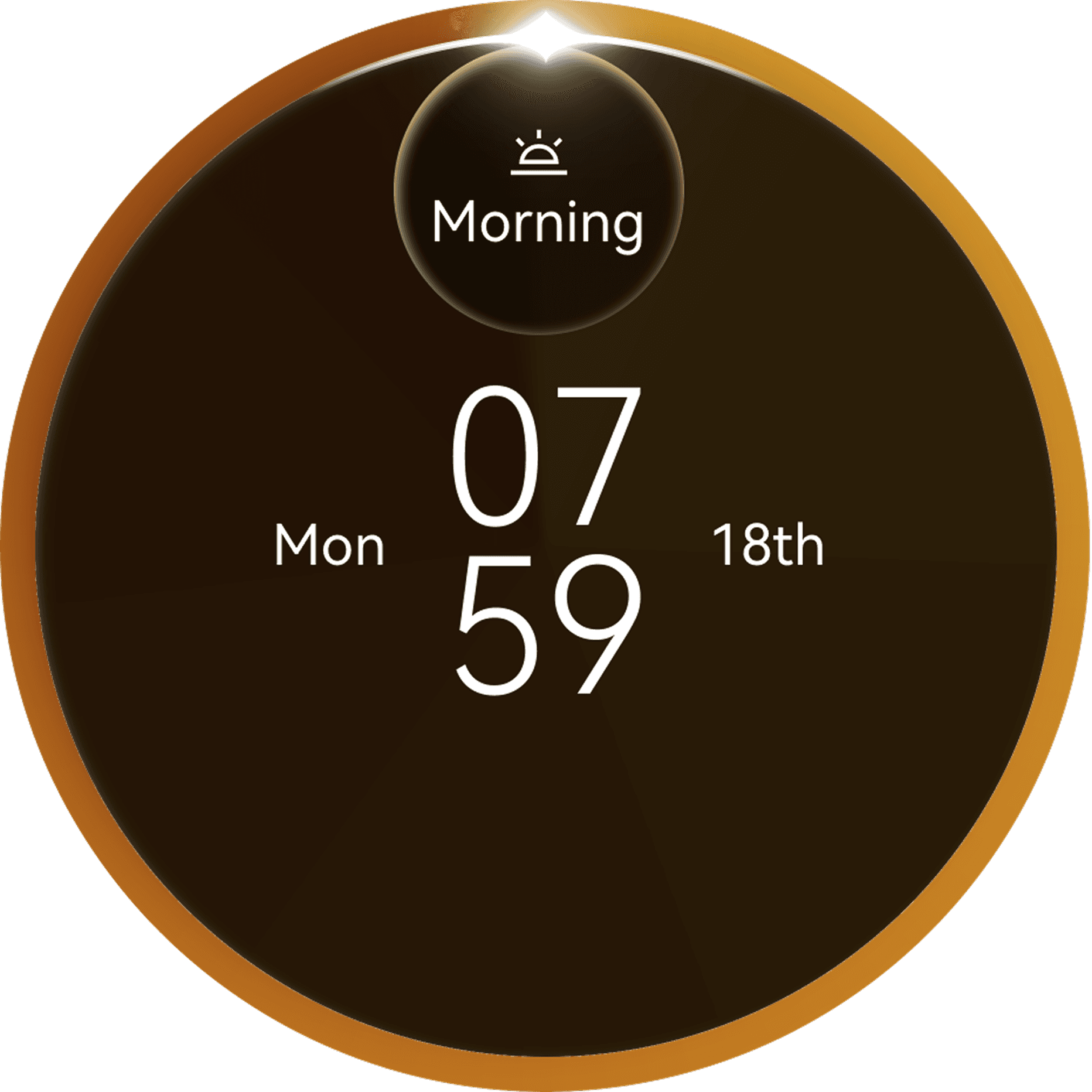
Reduced the ring to a lightweight timeline and shifted attention to contextual reminders that appear only before the next relevant task.
Impact
Users understood upcoming actions at a glance and felt less overwhelmed, while retaining quick access to the full daily schedule. The redesign reinforced that AI should surface the next action—not every action.
before
Challenge
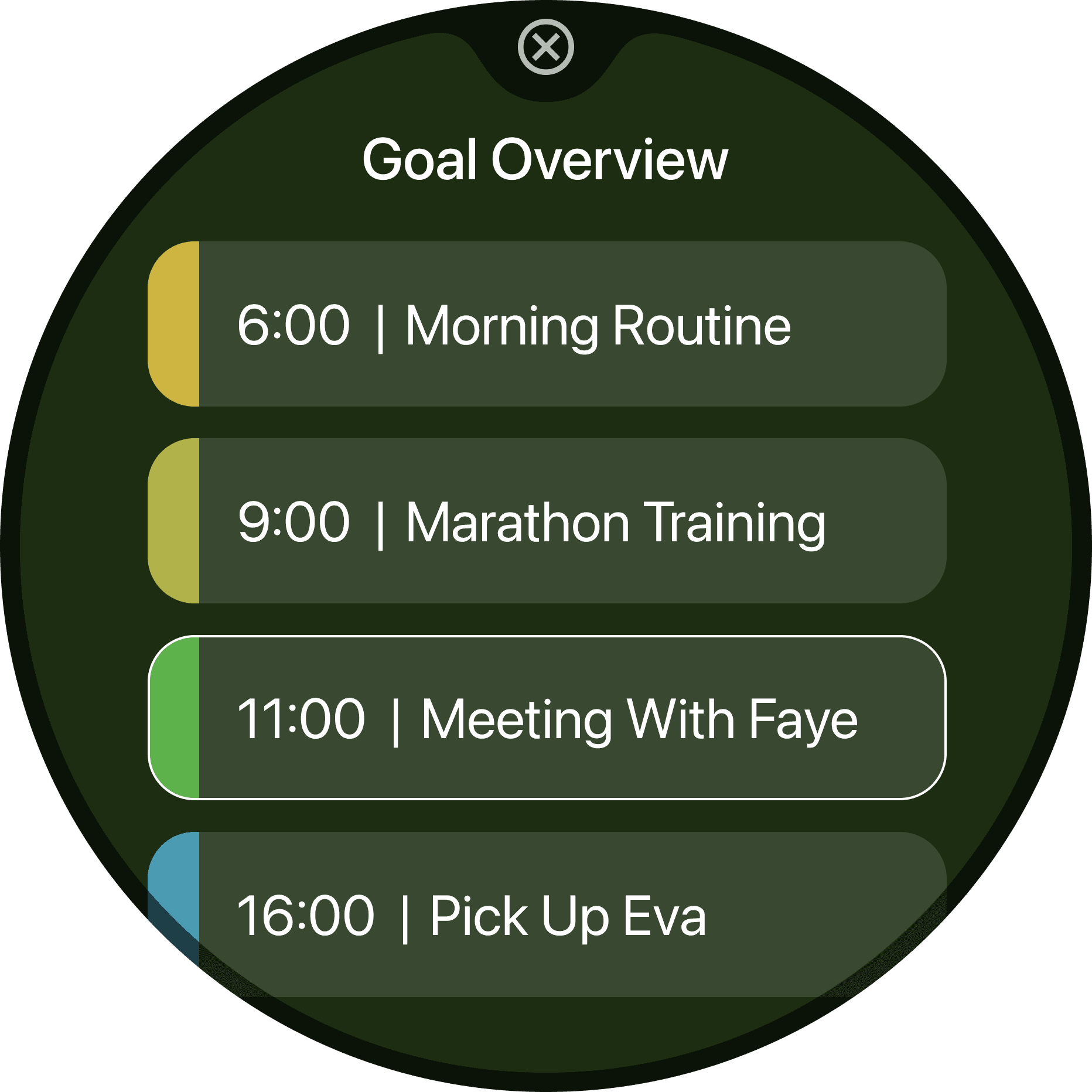
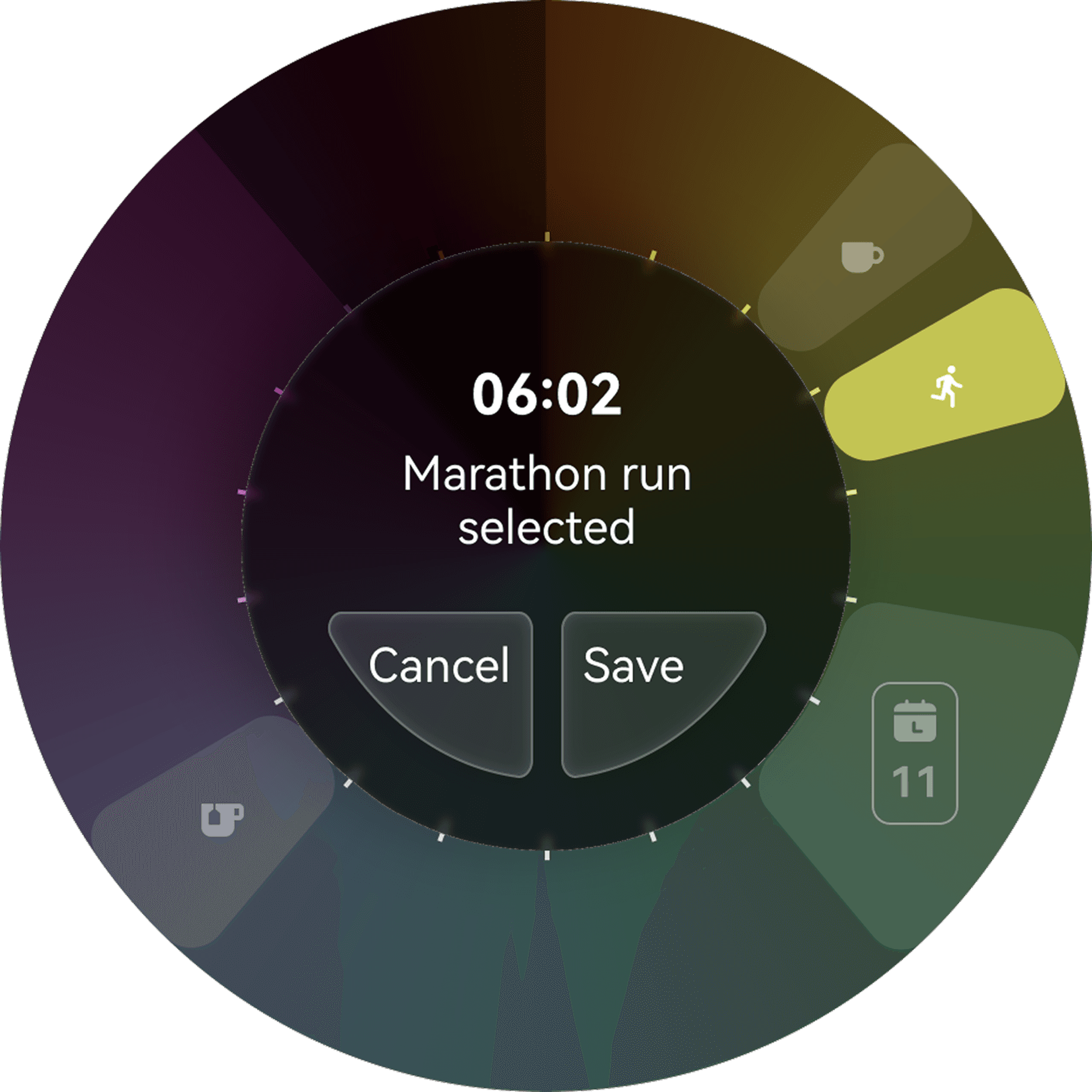
A traditional scrolling list ignored the circular nature of the watch and offered little guidance when reorganising a day's schedule.
after
Decision
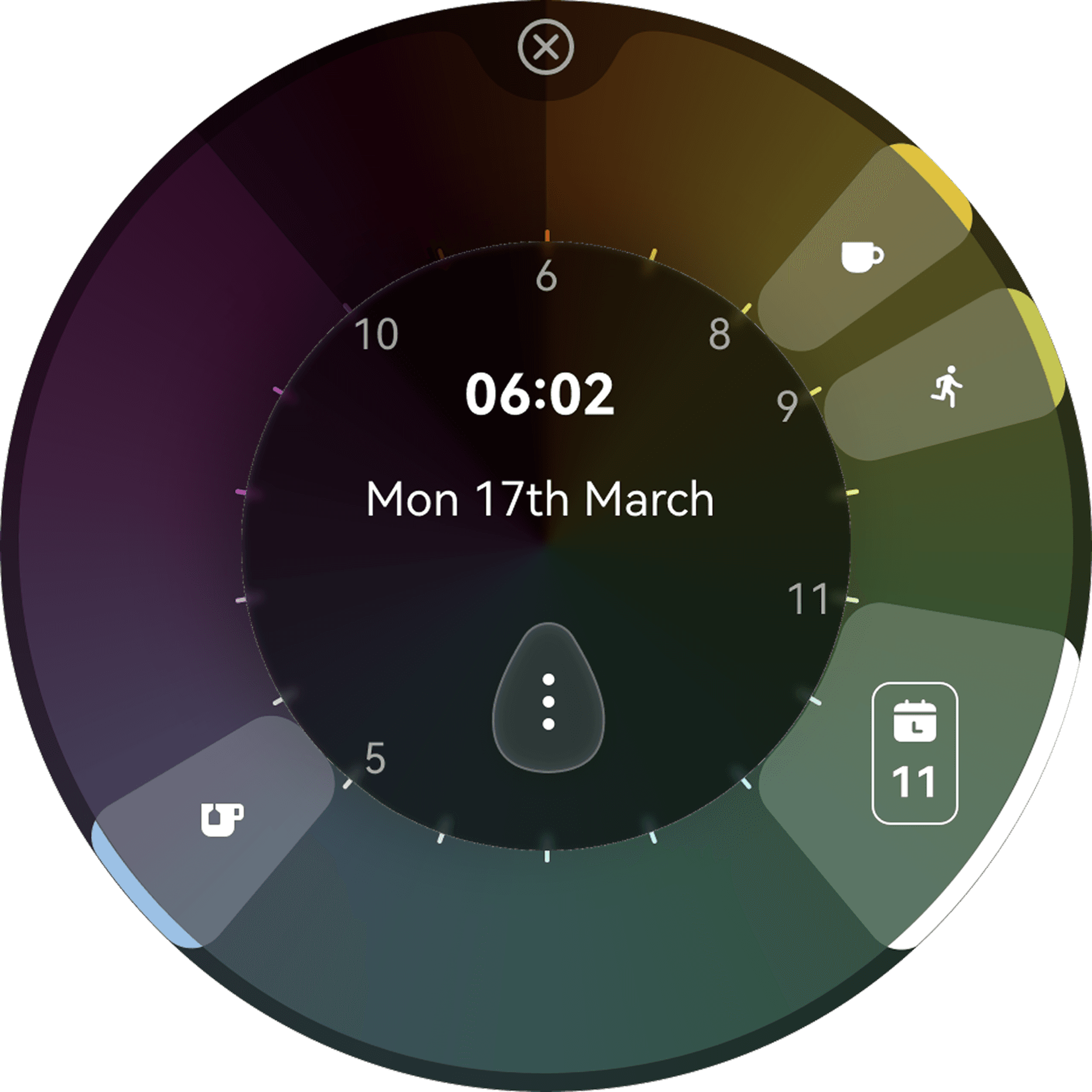
Introduced a radial planner combining familiar manual control with AI-assisted scheduling, using chronobiology colours and guided placement.
Impact
Users completed scheduling with greater confidence while still feeling in control of their plans, showing that good AI reduces decisions without removing user control.
before

Challenge
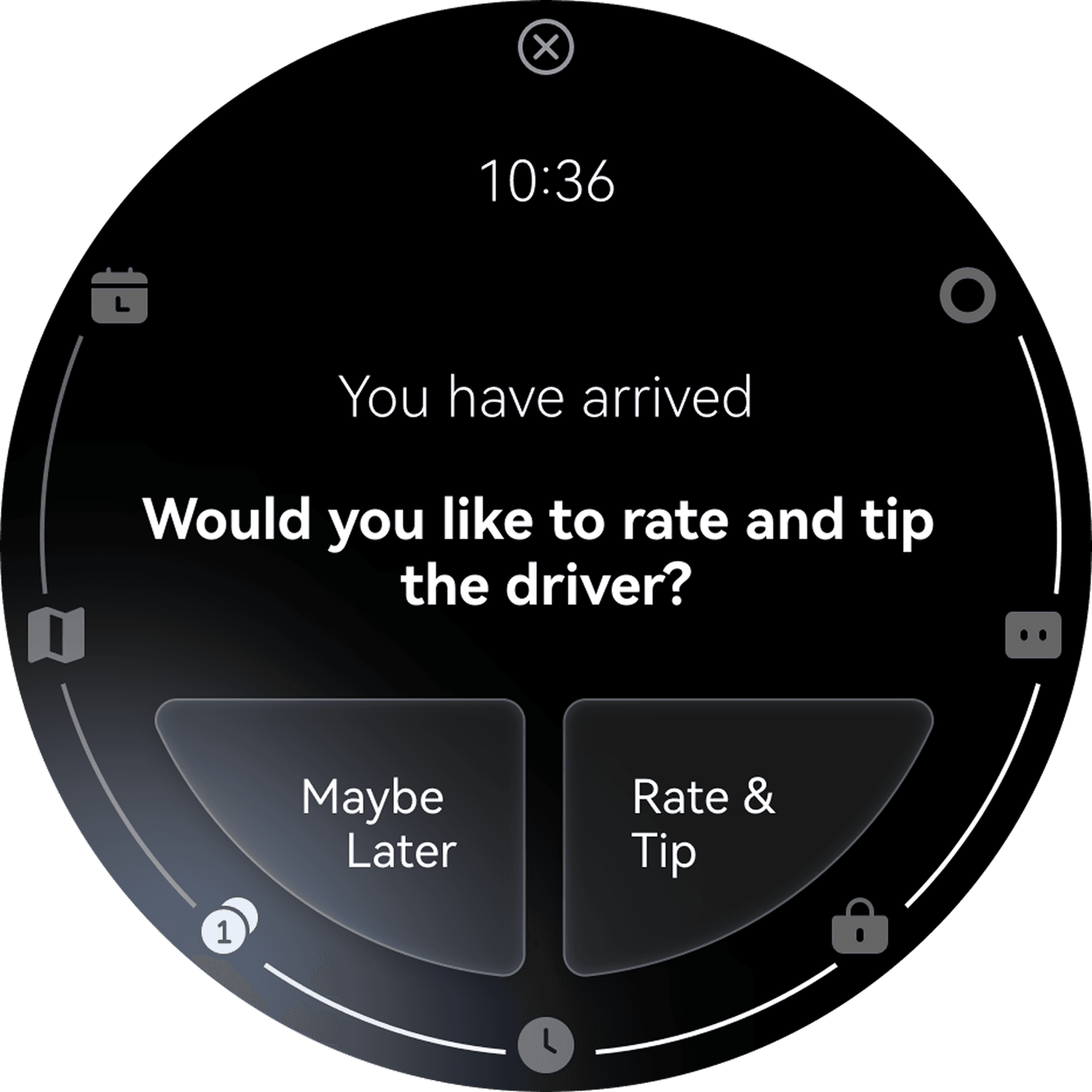
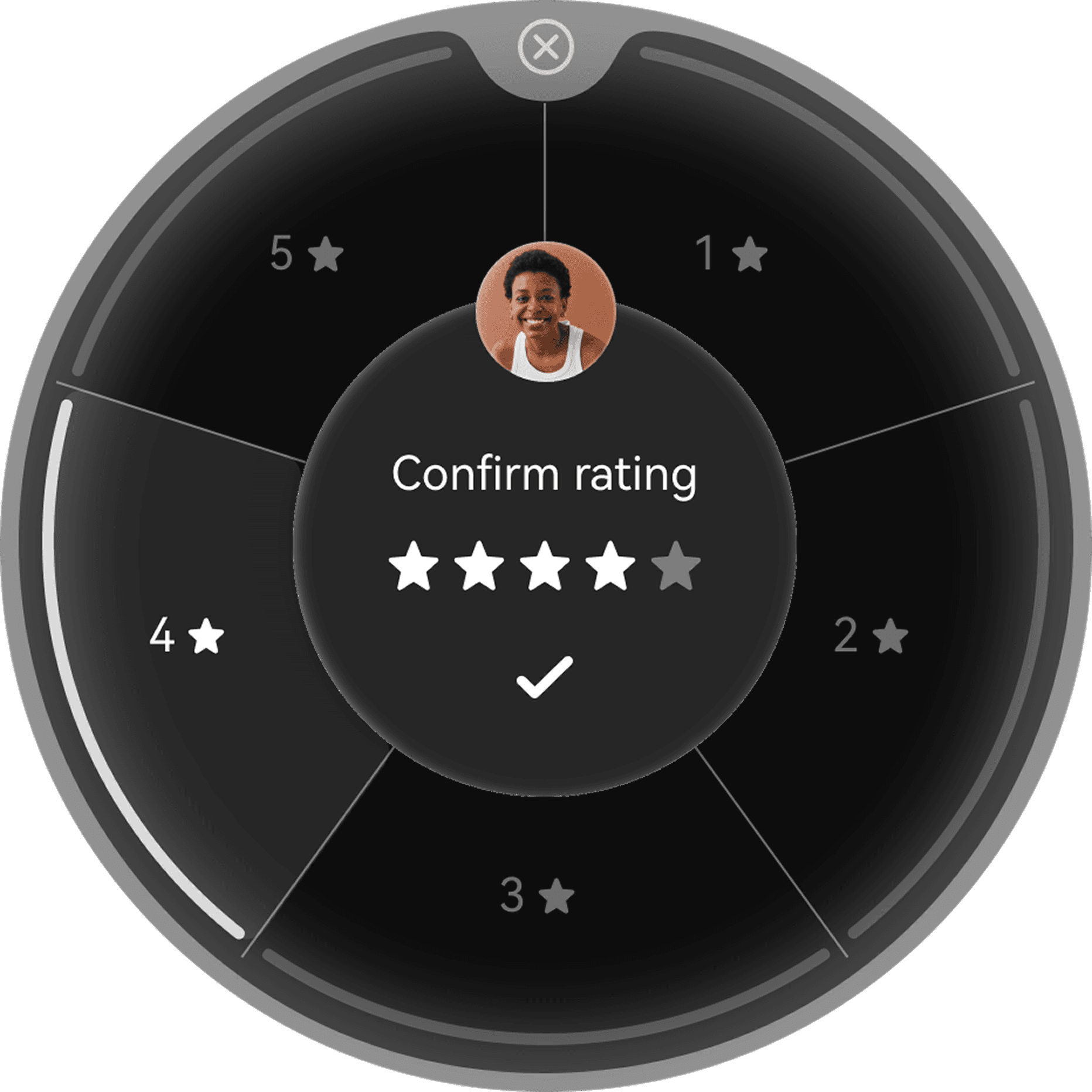
Many goals required multiple connected actions across different apps, yet every step was presented at the same level, making navigation feel fragmented.
after
Decision
Created a dedicated sub-task layer by extending the primary task layout and adding a subtle outer ring to maintain spatial context.
Impact
Users always understood they were completing part of a larger goal instead of navigating unrelated screens, proving that maintaining context is essential when AI orchestrates multiple actions.
Impact
What it moved.
Internal buy-in
China HMI HQ + ERI
The prototype was presented at Huawei's internal HMI review. Both the China HQ team and the European Research Institute backed the direction for further development.
Additional budget
Project scope extended
Following the internal review, Body Clock received additional project funding - a direct signal that the watch-as-intelligent-surface strategy had organisational backing.
AI / ML headcount
IFS model training
Additional AI and ML engineers were onboarded specifically to train the Intent Flow System model on real user interaction data gathered from the prototype.
The project secured buy-in from the President of Huawei's Smart Wearables division.
The work moved from concept exploration to productisation. It gave the wearables business a credible direction for AI-native product differentiation.
It showed how Huawei could make the watch a first-class intelligent surface rather than a companion device.
The Generative Watch was not about adding AI to a watch. It was about asking what a watch becomes when intelligence is native to the surface. The smallest screen became the best place to test the biggest idea: a product that understands intent before it chooses interface.
The watch was no longer a remote control for the phone. It became a local, private and intent-aware layer on the body.